Shop / Generator interfaces / Molex USB Connector
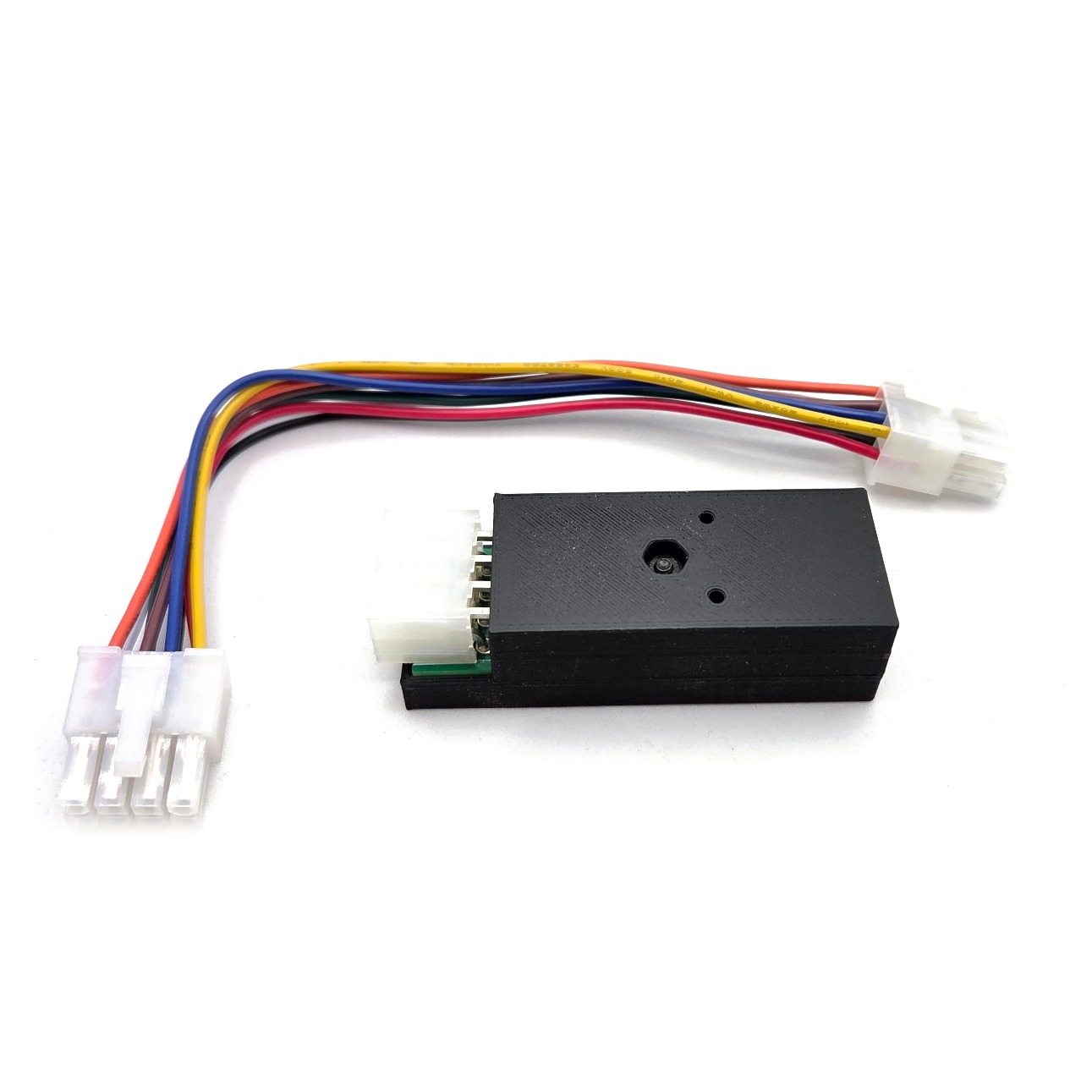
Connects the generator's 8-pin Molex accessory port to a Raspberry Pi you already have.
$50.00
Instructions
- Setup guide: USB Connector instructions
- Testing the connection with the loopback tester
- The loopback tester is for testing only. Never connect it to a generator.
What's in the box
- Molex USB adapter (in a 3D-printed case)
- 12-inch Molex cable (8-pin to 8-pin)
- Loopback tester
- USB-A to USB-C cable
What's not in the box
- A working computer running GenMon (a Raspberry Pi or any computer with a USB port)
For a Raspberry Pi you already run GenMon on. Plug the adapter into the Pi over USB and connect the 12-inch Molex cable to the generator controller’s 8-pin accessory port.
Choose your generator controller so we send the right cable: Power Zone 200 controllers get an 8-pin to 4-pin cable instead of the standard one.
Reviews
No reviews yet.
Bought from us? Leave a review from your order page or My orders.